How a Mechanical Keyboard Switch Works
A spring, a sliding stem, and a pair of metal contacts — how a tiny electromechanical switch turns a keypress into a signal, and why the tactile bump is not the same as the click.
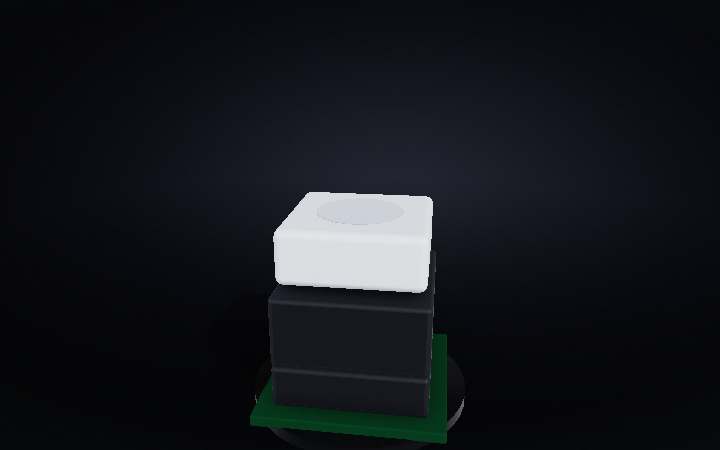
Step 01 of 06
1 · The key
Press any key on a mechanical keyboard and you feel something no membrane keyboard can match — a crisp, deliberate click and a spring-loaded snap back. Under every key sits a self-contained electromechanical switch about the size of a sugar cube. From the outside it looks simple: a plastic cap on a stem. Scroll down and we'll take it apart layer by layer.
Step 02 of 06
2 · Inside the housing
Ghost the shell and three things appear: a coiled steel spring that pushes the stem back up, a sliding plastic stem that carries the keycap on a cross-shaped pole, and a pair of thin metal leaf springs at the bottom whose tips are the actual electrical contacts. That's the whole circuit — nothing electronic, just physics.
Step 03 of 06
3 · The actuation point
Press the key and the stem slides down, compressing the spring. At exactly 2 mm of travel — about halfway — the stem's shoulder nudges the movable contact leaf and bends it across to touch the fixed leaf. The circuit closes. That instant is the actuation point: the computer sees the keystroke before you reach the bottom of the stroke. You can lift your finger immediately after the click and the press still registers.
Step 04 of 06
4 · The click mechanism
This is a Cherry MX Blue — the clicky variant. Alongside the stem rides a small separate piece called the click jacket. As the stem descends, the jacket is dragged along. When the stem's cam leg passes a threshold, the jacket suddenly snaps downward under spring tension — that snap is the audible click and the sharp tactile jolt. On a linear switch there is no jacket; on a tactile switch the stem leg itself has a bump but makes no sound.
Step 05 of 06
5 · Reset and debounce
Release the key and the compressed spring pushes the stem back up. The movable contact leaf springs back to its resting gap — the circuit opens, but the keyboard's controller waits a few milliseconds before accepting another press. That pause is called debounce: metal contacts don't make or break cleanly in one instant; they bounce and chatter, so software filters out the noise. Without it, one physical press could register as dozens.
Step 06 of 06
The complete switch
Spring, stem, click jacket, contacts — four parts, zero electronics. Every keystroke is a loop: spring pushes up, finger pushes down, jacket snaps, contacts close, circuit fires, spring resets. A well-built mechanical switch is rated for 50–100 million keystrokes, which at 60 words per minute would take a decade of non-stop typing to exhaust.