RISC vs CISC: How Instruction Sets Work
Your laptop chip and your phone chip speak different instruction languages: one with instructions of any length, one where every instruction is exactly 4 bytes. Inside, they run almost the same way.
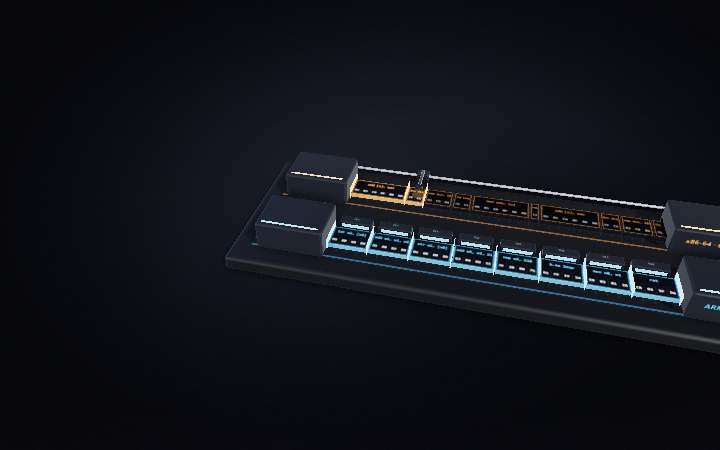
Step 01 of 07
1 · Two chips, two vocabularies
The processor in most Windows laptops and the one in your phone both run programs, but they don't understand the same instructions. Each chip reads a fixed vocabulary of commands called its instruction set. The laptop's is x86, a CISC design (complex instruction set computer) whose family tree goes back to Intel's 8086 of 1978. The phone's is ARM, a RISC design (reduced instruction set computer). Here is what that difference actually looks like.
Step 02 of 07
2 · An instruction is a row of bytes
A program sits in memory as a ribbon of bytes, read in order. Both ribbons here hold the same little counting loop. Each x86 instruction is as long as it needs to be: 1, 2, 3 or 6 bytes in this loop, and up to 15 in general. Every ARM instruction is exactly 4 bytes. The x86 version fits in 20 bytes and the ARM version needs 32, so the ARM ribbon has to run faster to deliver the same program. Packing code tightly was what CISC was for, back when memory was the expensive part.
Step 03 of 07
3 · Same job, two scripts
Take one line of that loop: add a register into a number kept in memory. x86 does it with a single instruction, add [x], eax. The chip fetches x, adds, and writes the answer back, all on one order. ARM has no instruction that does arithmetic on memory, so it spells the job out in three: load x into a register, add, store it back. The work is the same, one read, one add, one write, and it takes about the same time.
Step 04 of 07
4 · Why RISC carries more registers
Now watch which parts touch memory. On the ARM side only the load and the store ever reach it, and the adder works on registers alone. That rule is called load/store, and it keeps every instruction simple. But values need somewhere to wait between steps, so RISC designs carry more registers: 31 general-purpose ones on ARM64, against 16 on x86-64. Registers are the fastest storage a chip has, a few dozen slots right next to the adder.
Step 05 of 07
5 · The front door
Before a chip can run an instruction it has to decode it, and this is where the fixed size pays off. Every ARM instruction is 4 bytes, so the chip knows where the next eight begin without reading any of them, and eight decoders take eight instructions at once. Apple's M1 does exactly this. An x86 chip has to read the first byte or two of each instruction to learn its length before it can find where the next one starts. Real x86 chips add extra circuitry to guess those boundaries in parallel, and that circuitry costs power.
Step 06 of 07
6 · The twist: x86 is RISC inside
Since the Pentium Pro in 1995, x86 chips haven't run their own instructions directly. The decoder cracks each one into micro-ops, small fixed-format operations. Feed it the 6-byte add [x], eax and out come a load, an add and a store, the same three steps the ARM program spelled out. Line them up against the ARM instructions below and they match one for one. Everything behind the decoder is a RISC-style engine; the CISC part ends at the front door.
Step 07 of 07
7 · Complex outside. Simple inside.
Lift the lids and the old war turns out to have ended in a draw. Both chips run their work on a RISC-style core. The difference is the strip in front of it. The x86 chip carries a bigger decoder, because decades of software depend on its vocabulary and every instruction has to be translated on the way in. ARM needs far less translating, which saves some transistors and power. That helps battery life, but less than people think: how well a chip is built matters far more than which instruction set it speaks.